
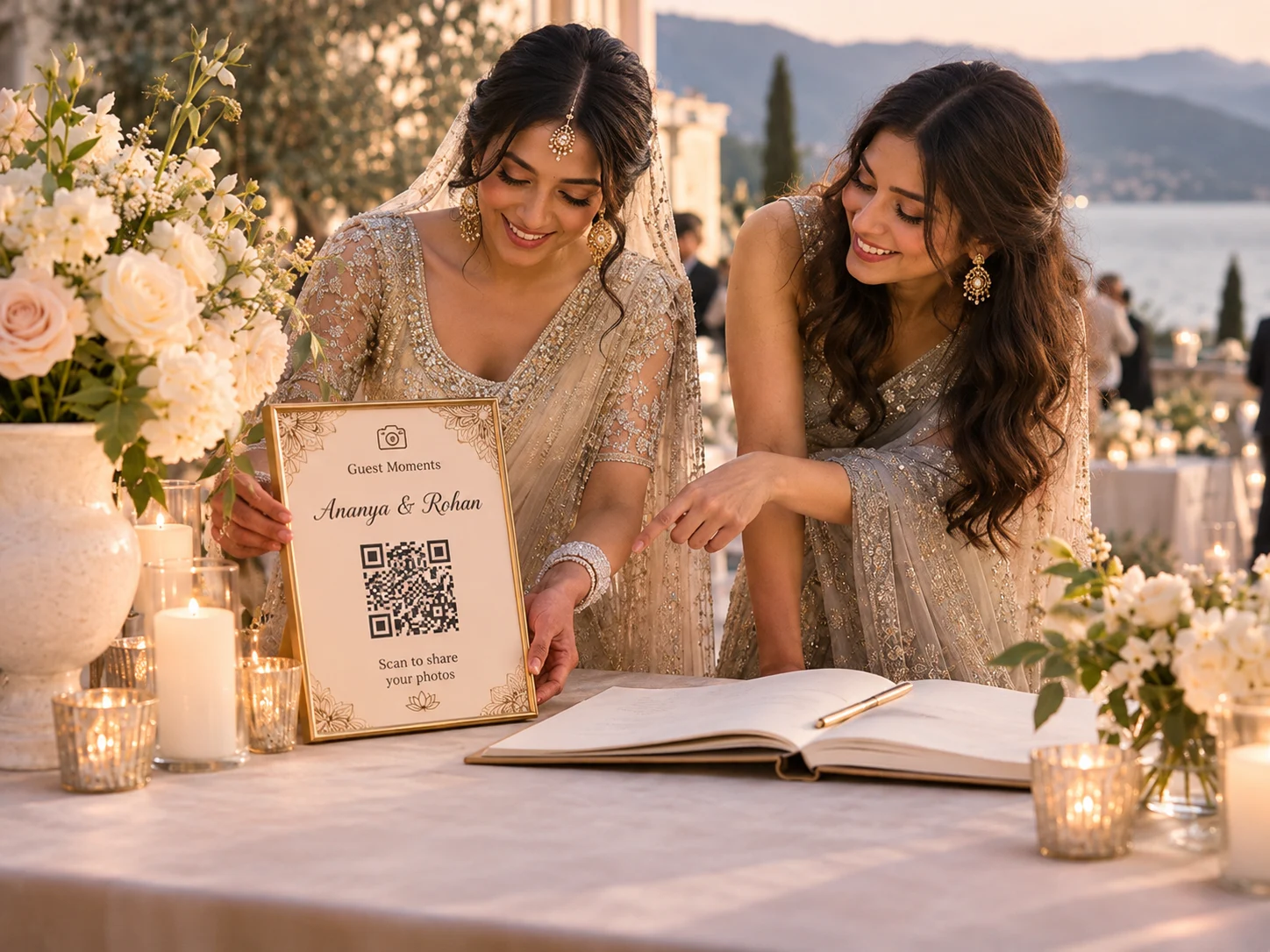
The best wedding photo QR sign wording is short enough to read at a glance and clear enough that guests know what happens after they scan. Pair one friendly invitation with the code and a simple explanation of what guests can add.
Wedding photo QR sign wording for reception tables
- Scan to share your photos from today.
- Add a favorite moment to our wedding gallery.
- Help us see the day through your eyes.
- Have a photo from this table? Share it here.
- Scan to add photos and short videos.
Warm, personal wording
- We’d love to see the moments you captured.
- Every perspective matters. Add yours to our gallery.
- Your photos are part of our story. Share them here.
- The little moments matter too. Scan to add yours.
- Help us remember the celebration from every angle.
Wording for a welcome sign or guest book table
- Welcome! Scan to share photos from the wedding weekend.
- Join our shared gallery with one quick scan.
- From the welcome dinner to the last dance, add your photos here.
- No app needed. Scan to open our photo gallery.
- See the gallery or add a moment using this QR code.
What makes a sign easy to use?
Use a heading large enough to notice, a QR code with clear space around it, and one sentence explaining the action. If guests can upload without an app or account, say so; that answers a common question before they need to ask.
Keep contrast strong and avoid printing the code on reflective material. Place it where guests can stand still and scan without blocking a walkway. Test a final print before producing the full set.
Match the wording to the gallery
Only promise what your gallery supports. If guests can upload photos but not videos, do not mention video. If the gallery is private, explain who has access in a nearby note or on the upload page.
For setup instructions, see how to create a QR code for wedding photos. If you are still choosing a guest-sharing method, start with wedding photo sharing without an app.