
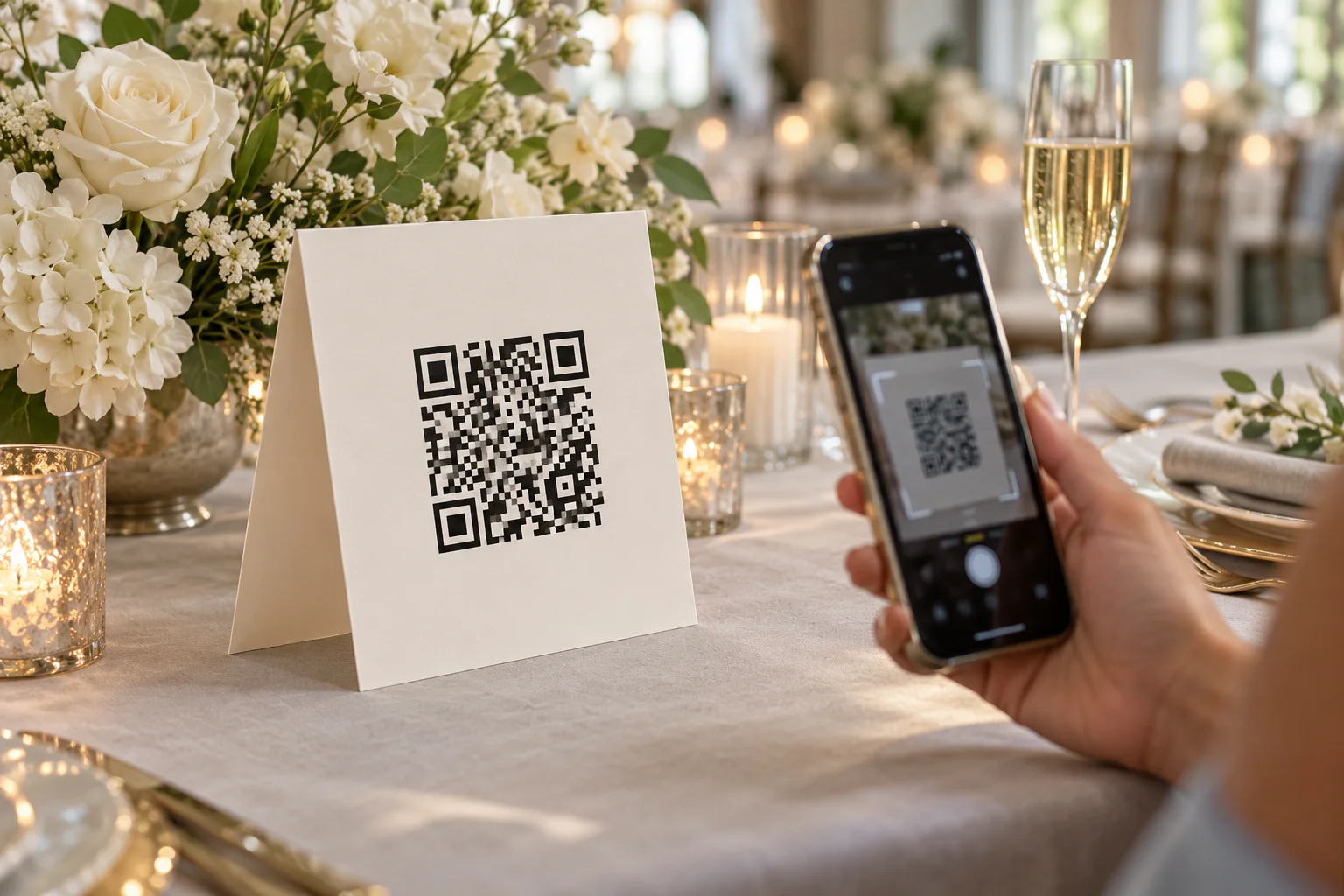
A QR code for wedding photos should take guests directly to the place where they can share. The code itself is only one part of the setup: the destination, printed sign, and guest instructions all need to work together.
Choose a gallery before creating your QR code for wedding photos
Create the event gallery or shared album first. Copy its guest-facing link, not a private organizer or sign-in address. If the gallery has visibility or upload settings, review them before you invite guests.
Use a link that will remain active for the period you need. Avoid creating the QR image from a temporary preview link that may expire before the wedding.
Generate the QR code from the guest link
Use the gallery’s built-in QR download when available. Otherwise, use a reputable QR generator and paste the full guest-facing URL. Keep a saved copy of both the QR image and the underlying link.
Do not place decorative shapes, logos, or text over the code’s finder squares. A clean, high-contrast code is easier for phone cameras to scan.
Test the code before printing
- Scan the printed proof with both an iPhone and an Android phone if possible.
- Check that the link opens the guest page without asking for an organizer password.
- Try the code at the size and distance guests will encounter it.
- Test the sign under indoor lighting and from a seated position.
Put it where guests naturally pause
Reception tables are a reliable placement because guests have time to look around between courses. A welcome table, bar, guest book, or card table can offer another reminder. Keep the ceremony itself phone-free if that matches your plans.
One visible sign is more useful than many tiny codes guests overlook. If you place codes in several locations, make sure each one opens the same event gallery.
Add a clear call to action
A code without context can look like a menu link or payment prompt. Pair it with a short line such as “Scan to share your photos” and explain whether guests can add pictures, videos, or both.
See our wedding photo QR sign wording examples for ready-to-use copy. For the broader collection plan, read the wedding guest photo sharing guide.
Display ideas: match the sign to the moment
Use a welcome-table sign to introduce the gallery, then smaller table cards where people can scan while seated. A bar sign works only if it does not block ordering or encourage guests to stop in a busy walkway. Wedding programs and welcome bags help with multi-day events; a thank-you card is useful for uploads afterward.
Do not put the only code inside a floral arrangement, under reflective acrylic, or on a display across the room. Keep it flat, visible, and easy to approach. A place-setting card should remain readable after glasses and plates arrive. Ask the venue before attaching anything to furniture or walls.
Start with the dimensions offered in QR & Print Studio, preserve the blank border around the code, and print a proof at the final size. There is no universal minimum size that guarantees scanning: distance, light, paper, camera and code density all matter. Test from the distance guests will actually stand, with two different phones. Use dark ink on a light background and avoid stretching the square. The QR sign wording examples help you add a short instruction without crowding the code.