
The right photo-sharing tool should fit your guests and your plan for the files afterward. Here is what to check, including what general-purpose tools already do well.
Start with the kind of collection you need
WhatsApp is great for conversations. Google Drive and Dropbox are great for storing and sharing files. Guest Moments is designed to bring everyone’s memories from one celebration together. The best choice depends on the guest journey you want, not on which service has the longest feature list.
For six relatives who already chat together, another tool may be unnecessary. For a large reception, a clearly labeled event page can be easier to explain than folder permissions. For a permanent family archive, general cloud storage may be a useful destination after the event. You can combine tools: invite uploads through an event gallery, then store your downloaded backup wherever you prefer.
WhatsApp: convenient when the conversation is already there
A group chat is familiar to many guests and useful for sharing a link, coordinating plans and sending a few favorites. Photos and messages appear together, so the organizer may need to separate the event collection from conversation. Consider whether everyone wants to join the same group and share contact details in that setting.
Quality depends on how media is sent. WhatsApp offers HD media options; do not assume every attachment is an untouched camera original. Check the current sending option if exact file quality matters. Its official HD media guidance explains the available quality controls. A QR code can open a link you distribute in chat, but that does not turn the chat itself into an event gallery.
Google Drive: flexible folders with permissions to explain
Drive is useful for organizing files in folders and sharing them with selected people or through configured links. For ordinary shared-folder uploads, contributors generally use a Google account and need appropriate permissions. Google Workspace arrangements can differ, so test the exact invitation your guests receive rather than assuming all Drive links allow uploading.
The Google Drive upload documentation describes private and shared folders and how uploads use storage. A QR code can point to a folder URL; a QR link is not unique to an event platform. The extra organizer work is explaining access and keeping the folder organized. Drive can also be a practical home for a downloaded event backup, but Guest Moments does not automatically export your gallery to it.
Dropbox: distinguish shared folders from file requests
Dropbox supports both file sharing and collecting submissions. In particular, a Dropbox file request lets someone upload without a Dropbox account. It would be inaccurate to say every Dropbox contributor must register. The person collecting the files needs the appropriate Dropbox setup and enough available space.
A file request and a shared folder are different experiences: receiving uploads does not automatically give contributors a browsable collection of everyone’s files. Choose the workflow you actually need and test visibility separately. Dropbox’s file-request instructions explain the recipient upload experience. Plan and file-size limits vary, so verify the current limits before asking guests to send large videos.
Guest Moments: an event page and organizer controls
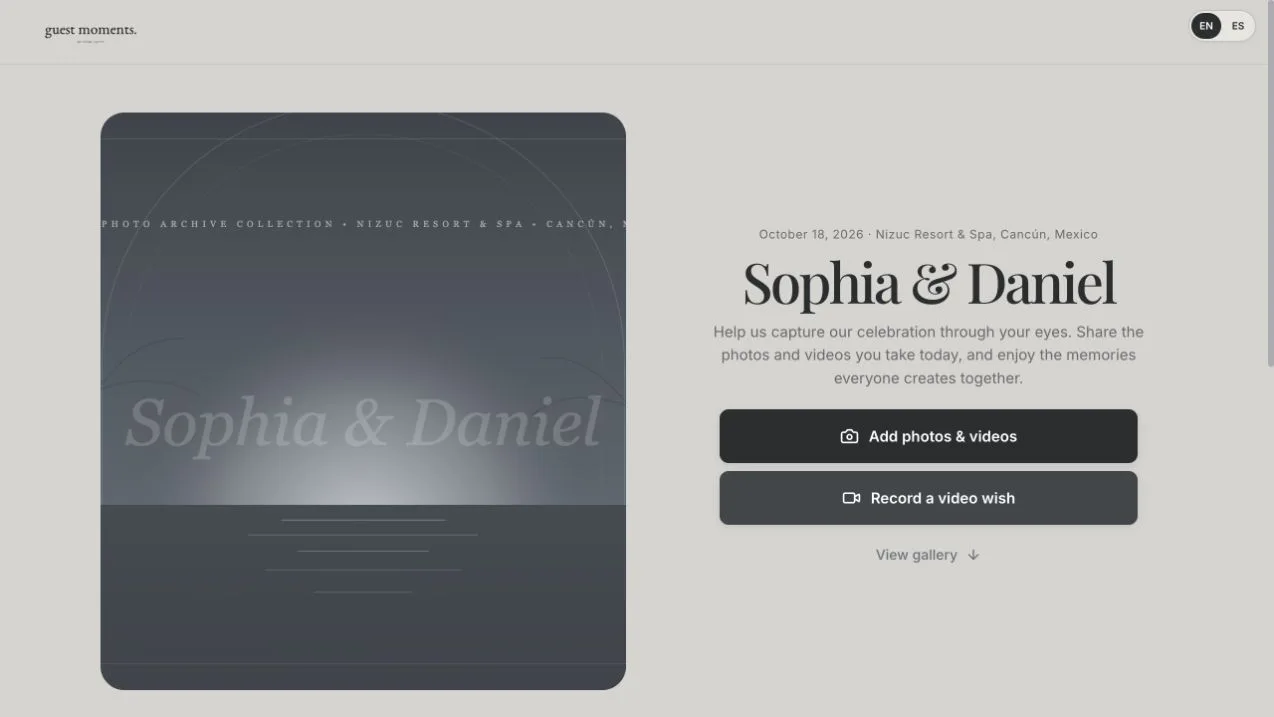
Guest Moments centers the experience on one celebration. An organizer creates the event and shares its guest link or printable QR card. Guests can contribute without a Guest Moments account when access permits it. The organizer can configure viewing, upload availability, moderation and guest downloads, and collect video wishes through the supported recording flow.
That focus comes with boundaries. The event is not an unlimited permanent storage account. File and duration limits apply; the standard retention policy is tied to the event date, with possible administrator-approved exceptions. Confirm the current price before paying and download your own backup before expiry. Read the complete product guide for the actual controls rather than relying on a comparison headline.
Compare the complete guest journey
Read this table as a workflow comparison, not a ranking. Each tool can share photos and videos; the differences are how guests enter, how access is managed and how the organizer retrieves the collection.
| Consideration | Google Drive | Dropbox | Guest Moments | |
|---|---|---|---|---|
| Guest entry | Messaging account and chat context | Account/permissions depend on workflow | File requests can accept uploads without an account | Guest account not required when access allows |
| QR access | Share a destination link | A QR can point to a folder link | A QR can point to a request link | Event QR and printable card tools |
| Organization | Media mixed with conversation | Folders and file permissions | Folders or separate file requests | One event gallery with owner moderation |
| Videos | Media sending options and limits apply | File and storage limits apply | Plan and request limits apply | Event size/duration limits; video wishes supported |
| Privacy | Review group membership and sharing | Review viewer/editor permissions | Review request and folder access separately | Review event, gallery and contribution visibility |
| Retrieval | Save selected attachments | Download files/folders as supported | Download from the receiving account | Individual saves and organizer ZIP archives |
| Cost and longevity | Check service/device conditions | Storage and Workspace plan matter | Storage and plan matter | Current one-time event price; time-limited retention |
Choose with a five-minute guest test
Ask someone outside the organizer account to open your chosen link, contribute one photo and find the result. Test a video and a download too. If they hesitate, notice whether the obstacle is account access, unclear permissions, a crowded chat or simply a missing instruction. Solve that problem before sending the invitation to everyone.
Choose WhatsApp when the conversation is the main purpose, general storage when folders and ongoing file management matter most, and an event gallery when a celebration-specific guest experience is the priority. For fewer installation steps, read photo sharing without an app. You can explore Guest Moments before deciding. Provider features and plans can change; official documentation linked above was reviewed on November 1, 2026.