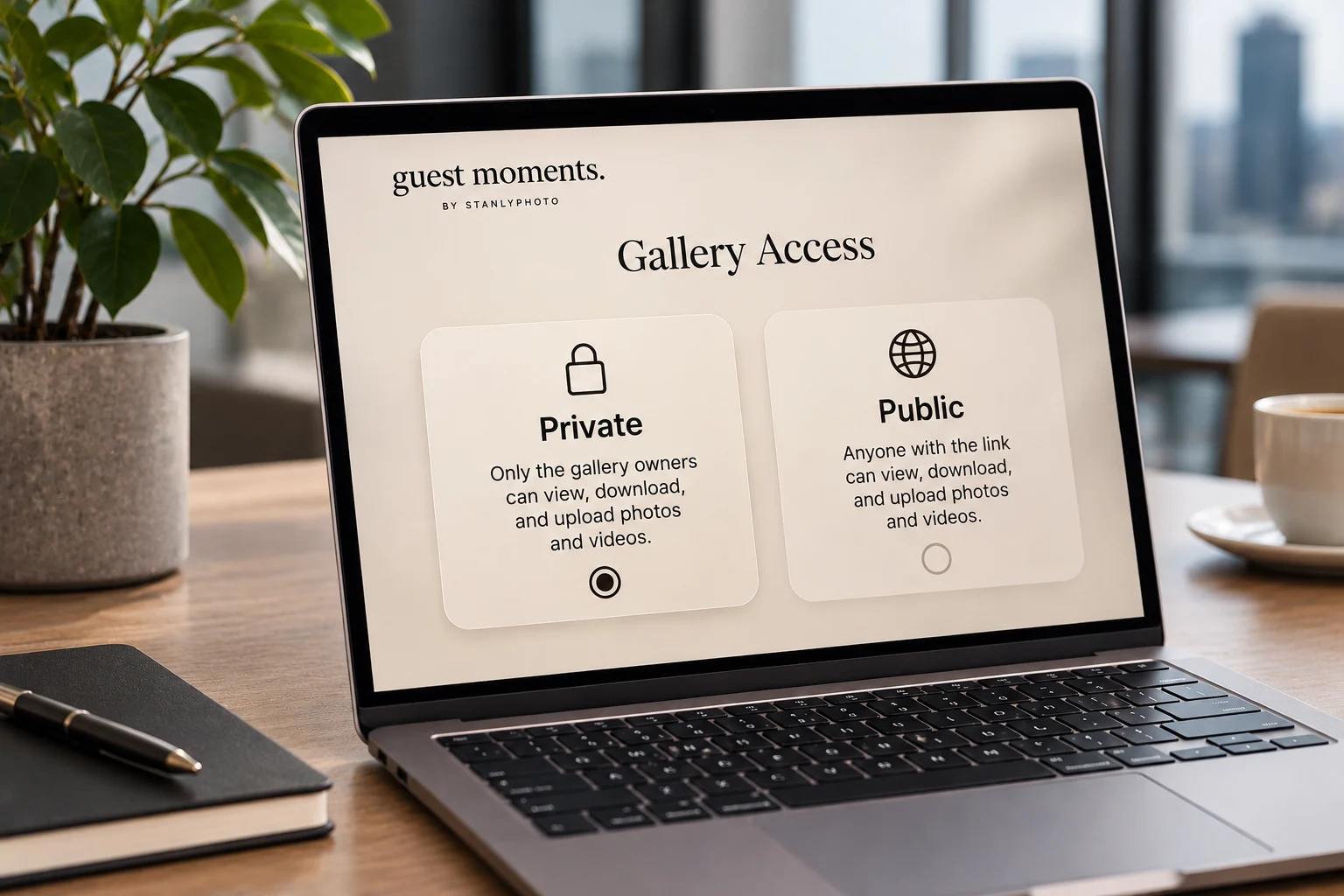
Before sharing an event QR code, decide who should be able to view the gallery. “Public” can mean different things across services, so check the actual access behavior and explain it clearly to guests.
What a link-access gallery usually means
A gallery available through a shared link is convenient: guests can open the QR code or forwarded URL without finding an organizer. But a link can also be passed to someone outside the original guest list.
Do not assume that “public” means a page will automatically appear in search results. Check your platform’s settings and indexing behavior, and avoid adding private event details to a gallery that can be forwarded.
When a more private setting may fit
A smaller family celebration, an event with children, or a gathering with sensitive work content may call for more limited access. Consider who needs to view the gallery and what steps guests can reasonably complete.
A private setting can add friction, so test the flow with a guest before printing signs. Make sure the access code or invitation instructions are easy to follow.
Set upload and viewing expectations separately
- Who can open and browse the gallery?
- Who can add photos or videos?
- Do new uploads appear immediately or after host review?
- Can guests download items, and how long will the gallery stay available?
Tell guests how their photos will be used
A short note near the QR code or on the upload page can explain who may see the collection. If you plan to post images publicly or use them for promotion, ask for the appropriate permission separately.
Privacy settings do not replace consent. Be especially thoughtful with children’s images and workplace events, where people may have different expectations.
Test the exact link before sharing
Scan the final QR code from a phone that is not logged in as the host. Confirm that the right page opens and that guests can do only what you intend.
Try the read-only sample gallery to see a guest-facing view. For a broader event setup checklist, read how to collect photos at a corporate event.